How to Start Playing Blockchain Games in 2026 (Beginner’s Field Guide)

Blockchain games are still just games. Some are good, most are dead, and a small number are genuinely worth a player’s time in 2026. This is the practical starting path — what you need, what you don’t, and which verified titles are easiest to enter first.
What “blockchain game” actually means for a player#
Under the marketing, a blockchain game is a normal game where some assets — characters, cards, land, items — exist as tokens on a public blockchain rather than only in the developer’s database. The gameplay is still the game. The blockchain layer only matters if you care about owning or trading those assets, and in most current titles you can play without touching it at all.
If you want the fundamentals of NFTs, wallets, and tokens themselves, our sister site NFTUniverse covers those from first principles — we stay focused on the games.
The three things you may need (and when you don’t)#
- A game account. Nearly every blockchain game now takes email or Google sign-up like any other game. That alone is enough to start playing most of them.
- A client. Some run entirely in the browser; others want a download or a launcher. Mobile support varies title by title.
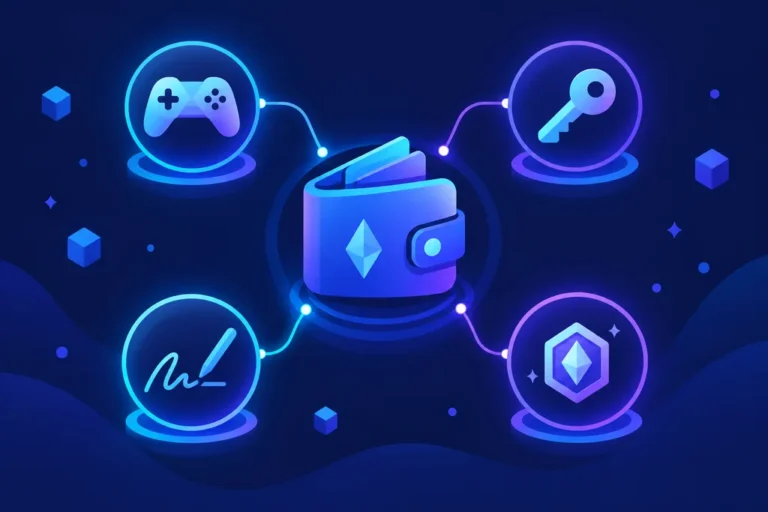
- A wallet — optional. A crypto wallet is only required if you want to own on-chain assets: buy a card, own land, move an item to a marketplace. Playing first and deciding later is the sensible order.
The three easiest verified entries#
Every game in our registry carries a verified status and a last-checked date. These three are the lowest-friction starting points right now:
- Pixels — a browser farming/life sim on Ronin. Free to play, email sign-up, no wallet needed. Currently the easiest on-ramp we track.
- Axie Infinity: Origins — the flagship card-battler on Ronin. Free non-NFT starter axies are included, on PC/Mac and Android.
- Gods Unchained — a trading card game on Immutable. Free core cards let you play ranked immediately; a wallet is only needed to own tradable cards.
Adding a wallet — only when you want to own things#
When you do want ownership: each ecosystem has its own wallet (Ronin Wallet for Pixels and Axie, Immutable Passport for Gods Unchained and Illuvium). Set it up fresh, fund it lightly, and treat it like a separate gaming account — not your main holdings. The wallet-creation fundamentals are covered properly at NFTUniverse.
What you actually own#
Assets bought or earned in these games live in your wallet and can usually be sold on marketplaces — but ownership is limited to the asset itself, not the game. What game NFTs actually do goes deeper on mechanics, custody, and what happens to assets when a game shuts down.
And check the game is still alive first#
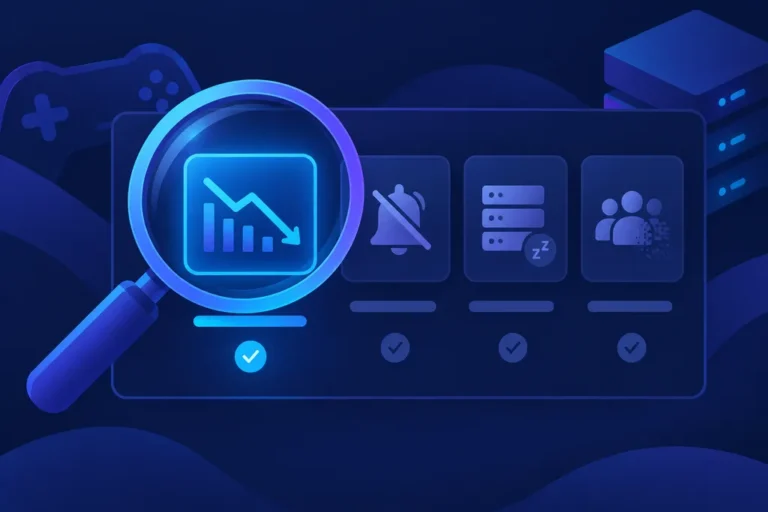
The single most valuable habit: before investing time in any blockchain game, check its status. Most directories list projects that stopped updating years ago. Our registry records a verified status and verification date per title, and this guide walks through how to check any game yourself.
Sources#
- Pixels Help Desk — account creation (wallet optional)
- Sky Mavis support — Axie Origins free play and starter axies
- Gods Unchained official site
- Registry records linked above — each verified 2026-09-18 with its own sources.
This guide was verified against primary sources on 2026-09-18.